Ask a room of remote workers what they carry and you will get a dozen confident, contradictory answers. One person runs a design studio from a tablet and a folding keyboard; another insists nothing short of a laptop will do. Both are right, for their own work. Work out which of them you resemble before buying hardware you will be carrying through airports for the next few years.
The debate is rarely about which machine is objectively better. It is about which machine matches the shape of your working day — and most people only discover the mismatch after a month on the road, when the return window has closed.
Start with what your day actually looks like
Before specs, make a list of what you genuinely do. Most nomad work is a mix of writing, email, calls, spreadsheets and something specialist — code, design files, audio, or a client's internal system.
Write that list honestly. The fantasy version of your job — the one where you colour-grade 4K footage from a beach lounger — is expensive to buy for. The real version, the one you did last Tuesday, is the one to design around.
Tablets handle the communication half of that comfortably. Email, calendars, video calls, note-taking, reading and light document edits are all pleasant on a decent screen with a good keyboard attached. If your work is mostly words, calls and coordination, a tablet can carry you for months.
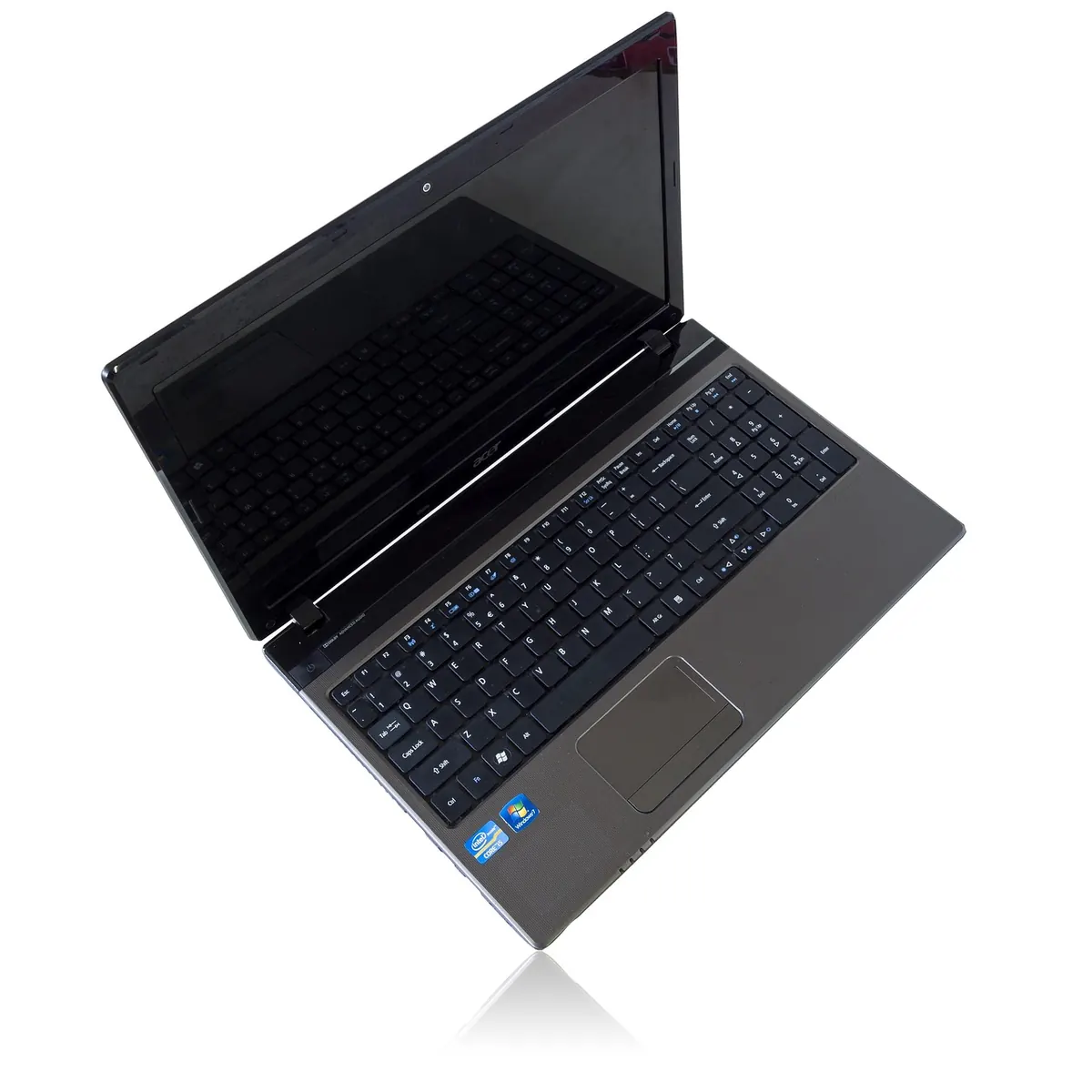
Laptops win when you need depth rather than reach: long documents with cross-references, large spreadsheets, twenty browser tabs, local development environments, full desktop versions of design software, and file management that behaves like a filing cabinet.
A freelance copywriter with two retainer clients is not the same animal as a backend developer maintaining three repositories, even though both call themselves remote workers. Name your category out loud before you shop. If you cannot name it, that is your answer: keep the laptop and buy a tablet later as a second screen.
The keyboard test
Do not judge a tablet by its screen. Judge it by typing 1,000 words on the keyboard you would actually travel with. Key travel, layout quirks and lid angle matter more than the chip inside. Borrow one for a day if you can.
Performance: the gap is smaller than the marketing suggests
Modern tablet processors are fast, and for single-app work a good tablet can feel snappier than a mid-range laptop. The limits are rarely raw speed; they are software — apps that arrive stripped back, background tasks that get paused, a file system designed to hide things from you, and patchy support for external monitors.
Sustained performance is a separate question. Thin laptops and tablets both slow down when they get hot, so heavy video work suits either a machine with proper cooling or a cloud service — and the cloud option depends entirely on the internet where you are staying.
Storage is the quieter constraint. A laptop usually carries more local space and manages it predictably. A tablet nudges you towards the cloud, which is fine until the cloud sits on the far side of a 2 Mbps guesthouse connection.
Quick rule: if your work is one thing at a time, a tablet is enough. If it is ten things at once, take the laptop.
Battery life: the spec that shapes your day
Battery life is where tablets quietly win. Lower-power components and minimal standby drain mean a tablet can sit in a bag for days and still have charge when you pull it out. A laptop that was full on Friday may be flat by Monday morning if it went to sleep badly.
That matters in the places nomads work: cafés with one free socket, overnight buses, hostels where the plug is behind a bunk. The device that can top up from a small power bank has a real advantage.
- Turn brightness down before you turn to a power bank — the screen is the biggest drain.
- Switch off background sync and mail fetch when the battery drops below a quarter.
- Charge opportunistically: airports, buses, cafés, any socket you pass.
- Carry a cable that plugs into anything, including someone else's laptop.
- Check your charger handles both 110V and 220V before you rely on it abroad.
Software, ports and the small things that ruin a week
Specs sell machines; ports and software keep them usable. A device is only as good as the boring tasks it performs without complaint. Ask yourself:
- Does your client's VPN, expenses portal or creaking intranet work in a mobile browser?
- Can you plug in a USB drive, an SD card or a second monitor without a chain of dongles?
- Does the system let you rename, move and back up files without ceremony?
- Can you sign, scan and send a PDF when a client asks at 11pm?
If any answer is a firm no, that machine is not for you, however beautiful the screen.
The cost of the setup, not the device
Compare total kits, not headline prices. A tablet becomes a laptop the moment you add a keyboard, a stand, a dongle and perhaps a stylus — and suddenly the numbers converge. A mid-range laptop plus a cheap tablet can cost less than a premium tablet with accessories, and cover more ground between them.
Price the replacement too. Nomads drop things, spill coffee on them and leave chargers in hostels. Repair access, insurance and the odds of finding a compatible cable in the town you reach next month matter far more than another 10% of benchmark score.
A five-minute checklist before you buy
- List every task you did last week that took more than an hour.
- Mark each one as light (reading, calls, short documents) or heavy (code, media, giant sheets).
- Test the keyboard you would actually travel with, not the one in the shop.
- Confirm your three most important apps run properly on the platform.
- Add up the full kit — device, keyboard, case, adapters, insurance.
- Choose the machine that survives your worst working day, not your best.
When a tablet is genuinely the better answer
You travel light and often. You work mostly in words, calls and coordination. You want to read, watch and write on the same slab of glass, and you value something you can hold in one hand on a crowded bus. That is the tablet profile, and it is a perfectly serious one.
When the laptop still wins
You write code, edit media, juggle many applications at once, live in spreadsheets, need a real file system, depend on desktop-class software for clients, or simply cannot guarantee fast internet. That is the laptop profile, and no amount of elegant hardware will fix a platform that cannot run your tools.
Buy for the work you do weekly, not the work you imagine doing once.
The honest answer: match the tool to the trip
Most long-term nomads end up with a hybrid: a laptop as the base and a tablet for lighter days, or the reverse, with a tablet as the daily driver and a laptop left at home for heavy weeks. If you must choose only one, choose the device that handles your worst working day rather than your average one.
The average day is forgiving. It is the deadline, the broken app and the dead battery that decide whether the machine you bought was the right one. Pick for those days, and the easy ones will take care of themselves.
Photo: Pexels / Pixabay